Microwave turntable not spinning
When a microwave heats but the plate won't turn, the cause is usually on the inside of the oven, where you can safely reach it. A tray that isn't seated, a dirty roller ring or a worn plastic coupler on the drive shaft accounts for most cases, and each takes a few minutes to check. Some models also have a button that turns the turntable off. If the drive shaft itself doesn't move, the small motor under the floor has likely failed, and that's a repair to leave to a technician on most microwaves.


How a microwave turntable turns
The glass plate in a microwave doesn't spin on its own. It rests on a roller ring, a plastic ring with three or more small wheels that roll on the oven floor. In the center, a plastic coupler (also called a drive hub or turntable support) sits on a short shaft that comes up through the floor. Lugs molded into the bottom of the glass plate drop into the coupler, so when the shaft turns, the plate turns with it.
The shaft is driven by a small, slow motor mounted under the oven floor. It only runs while the microwave is cooking, and on many models it can reverse direction from one start to the next, which is normal. Most turntable problems come from the parts you can lift out: a plate sitting off its lugs, wheels gummed up with spills, or a coupler whose center hole has worn round so it slips on the shaft. If the shaft itself never moves, the motor or its wiring is the problem.
Why a turntable stops turning
Some models have a button or menu setting that stops the plate.
The lugs under the plate aren't sitting in the coupler.
Spills and grease stop the wheels or make them drag.
The center hole rounds off and slips on the shaft. A cheap part.
It hits the oven walls or overloads the small motor.
The shaft doesn't move at all. Usually a technician repair.
| You notice | Likely cause | Start at |
|---|---|---|
| Plate doesn't move, nothing else wrong | Turntable set to off | Step 1 |
| Plate wobbles, rocks or clunks | Tray not seated on the coupler | Step 2 |
| Plate drags, squeaks or stutters | Dirty roller ring or floor | Step 3 |
| Shaft turns but the plate doesn't | Worn or cracked coupler | Step 4 |
| Works empty, stops with a big dish | Dish too large or heavy | Step 5 |
| Shaft doesn't move at all | Motor or wiring | Step 6 |
Let's fix it
- Check the turntable settingLook on the control panel for a button marked Turntable or Turntable On/Off, or a turntable option in the settings menu. It's common on over-the-range and combination models and lets you stop the plate for a dish that's too big to turn. Press it, or set it to on, and run the microwave with a cup of water for 30 seconds while you watch. On some models you have to press it before you start each cycle. If your microwave has no such button, or the plate still doesn't move, unplug it and keep going.

- Reseat the plate and ringLift out the glass plate and the roller ring. Turn the plate over and find the molded lugs (usually three short ribs) around its center. Put the roller ring back first, centered on the floor with its wheels down and its center opening around the coupler. Then set the plate on top and rotate it slowly by hand until it drops slightly as the lugs settle into the coupler. A seated plate sits level and doesn't rock. Make sure the roller ring and plate are the ones made for this microwave. A ring from another model may be the wrong diameter and won't track properly.

- Clean the roller ring and the floorWash the roller ring and plate in warm, soapy water. Spin each wheel with your finger. They should turn freely without catching; a wheel that's cracked, flat or missing means the ring should be replaced. Wipe the oven floor where the wheels run, which is often a raised track or a shallow groove, with a damp cloth and a little dish soap. Burnt-on spills there make the plate drag or stutter. Dry everything before you put it back. Don't use steel wool or abrasive pads on the floor, which can damage the coating.

- Replace a worn or cracked couplerPull the coupler straight up off the shaft. It's the small plastic piece in the center, often shaped like a three-pointed star or a short cylinder. Look at its center hole: it should have a flat side that matches the D-shaped shaft. If that hole is rounded, split or melted, or the coupler has a crack, it can't grip the shaft anymore. Order the coupler for your microwave's model number (typically $5 to $20; the model sticker is usually inside the door frame or on the back). Line up the flat side of the new coupler's hole with the flat on the shaft and press it down until it seats.

- Test it with a light loadPut the ring, coupler and plate back in place, plug the microwave in and heat a cup of water for 30 seconds while you watch through the door. The plate should turn smoothly at a slow, steady pace, around a few turns per minute. Next time it may turn the other way, which is normal on many models. If it turns empty but stops with your usual dish, the dish may be too heavy or wide. A dish that touches the oven walls will stall the plate, so use one that clears the walls all the way around, or turn the turntable off and stop to rotate the dish by hand halfway through.

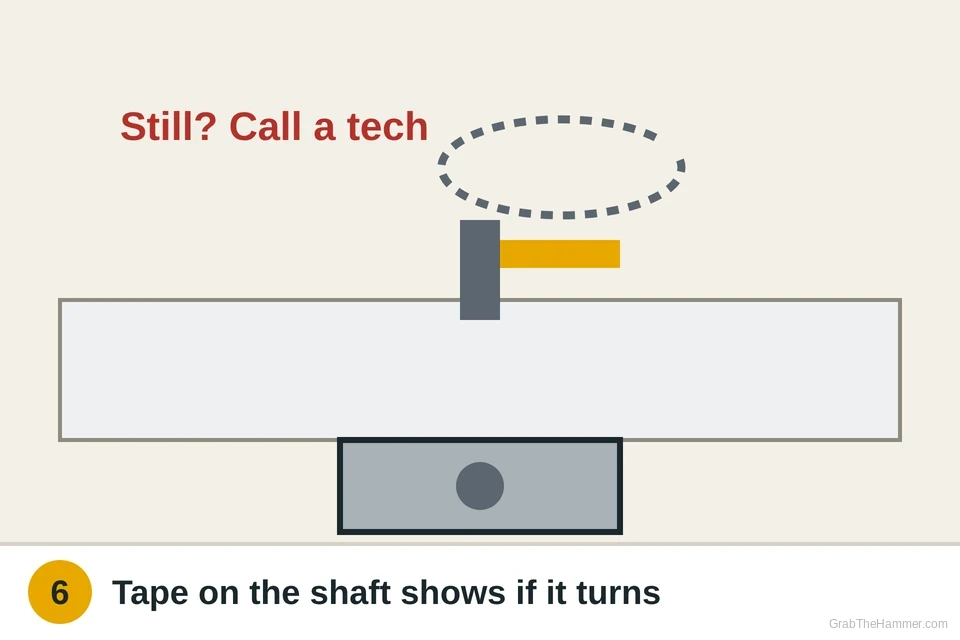
- If the shaft doesn't move, it's the motorWith the plate and coupler off, put a strip of tape on the shaft, run the microwave for 20 seconds with a microwave-safe cup of water on the oven floor (never run it empty), and look. If the shaft and tape don't move, the turntable motor or its wiring has failed. The motor itself is cheap (typically $15 to $40), but on most microwaves it's reached by taking off the outer cabinet or a panel near high-voltage parts, so this is a job for an appliance technician. A few over-the-range models have a small motor cover on the outside bottom of the unit; only use it if your owner's manual or service guide shows it as user-serviceable, and only with the microwave unplugged. On a small countertop microwave, replacing it is often cheaper than paying for a repair.
Watch it done
- The plate turns smoothly and slowly without wobbling
- No clicking, grinding or squeaking
- Food heats evenly without stopping to turn it
If it comes back
If the plate stops again after a few weeks, check the roller ring wheels first. Grease builds up on them quickly, especially if you heat a lot of uncovered food. A cover or splatter guard keeps most of it off.
If the plate turns but food comes out cold, the turntable isn't the problem. See the guide for a microwave that runs but doesn't heat, which covers the door switches and when a microwave is worth replacing.
If the microwave trips a breaker or a GFCI outlet when it starts, see how to reset a tripped outlet or breaker. A microwave on a shared circuit with a toaster or kettle can trip it.
What a pro typically charges (a rough estimate; prices vary by area): A service call for a microwave typically runs about $100–$200, and a turntable motor replacement usually totals about $120–$250. On many countertop models, a new microwave costs less.
Find an appliance repair tech near you