Ceiling fan light not working
If the fan spins but the ceiling fan light isn't working, power is reaching the fan just fine, so the problem is somewhere on the light side. Start with the simple things: bulbs, the light's pull chain, and the remote. Many fans also have a wattage limiter that shuts the light off if the bulbs draw too much. If those all check out, a loose plug connector or a failed light kit is next, and both are fixable with the power off at the breaker. If the fan spins, power is getting there. The problem is somewhere in the light side.


How a fan light is wired
A ceiling fan with a light kit has two separate circuits inside: one for the motor and one for the lights. Power to the light passes through its own switch, which might be a pull chain on the light kit, a receiver controlled by a remote or wall control, or a separate wall switch. On many fans, the light kit plugs into the fan housing with a small connector.
Most fans sold in recent years also have a wattage limiter, a small device that cuts power to the lights if the total bulb load goes over a set limit, often around 190 watts. If you put in brighter incandescent or halogen bulbs, the limiter can shut the lights off entirely or cause them to blink off after a few minutes.
Why fan lights stop working
Bulbs failed, or the base size doesn't match.
Bulbs draw more watts than the fan allows.
The switch, remote batteries or pairing are the problem.
The plug or wiring is loose, or the light kit is worn out.
| You notice | Likely cause | Start at |
|---|---|---|
| Light dead, fan fine | Burned-out bulbs | Step 1 |
| Light shuts off after a few minutes | Wattage limiter tripping | Step 2 |
| Pull chain spins with no click | Failed pull chain switch | Step 3 |
| Remote runs the fan but not the light | Batteries or pairing | Step 4 |
| Light works only when the kit is tapped | Loose plug connector | Step 5 |
| Pull chain broken inside | Worn switch | Step 6 |
| Nothing else fixes it | Failed light kit or receiver | Step 7 |
Let's fix it
- Try new bulbsSwap in a bulb you know works, since several bulbs can fail around the same time. Check the base size; many fan light kits use smaller candelabra or intermediate bases rather than standard ones. Make sure the bulbs are snug, and let old bulbs cool before you remove them.

- Check the wattage limitLook at the label on the light kit or in the manual for the maximum wattage. Add up the bulbs; if they're over the limit, the limiter may be cutting power. Switch to LED bulbs, which draw a fraction of the wattage, then turn the fan's power off at the wall switch for a minute and back on to reset it.

- Work the pull chainIf the light kit has its own pull chain, pull it a few times and test each position. Some fixtures cycle through settings, and a wall switch or remote may only work when the chain is in the on position. If the chain spins freely, feels loose or has broken off inside, the pull chain switch has failed and can be replaced.

- Check the remote or wall controlReplace the batteries in the remote and press the light button, not just the fan buttons. If the light still doesn't respond, the remote may have lost its pairing with the receiver. Most remotes re-pair by turning the power off at the wall switch or breaker, turning it back on, and pressing a button or setting dip switches within a short window; follow your fan's manual for the exact steps.

- Check the light kit connectorTurn off the power at the breaker and confirm it's off with a voltage tester. Remove the glass and the light kit screws, then lower the kit and look for the plug that connects it to the fan housing. Unplug it, check for bent or burned pins, and push it back together firmly until it clicks. On fans without a plug, look for loose wire nuts on the light wires, usually blue or black, and remake any loose connection.

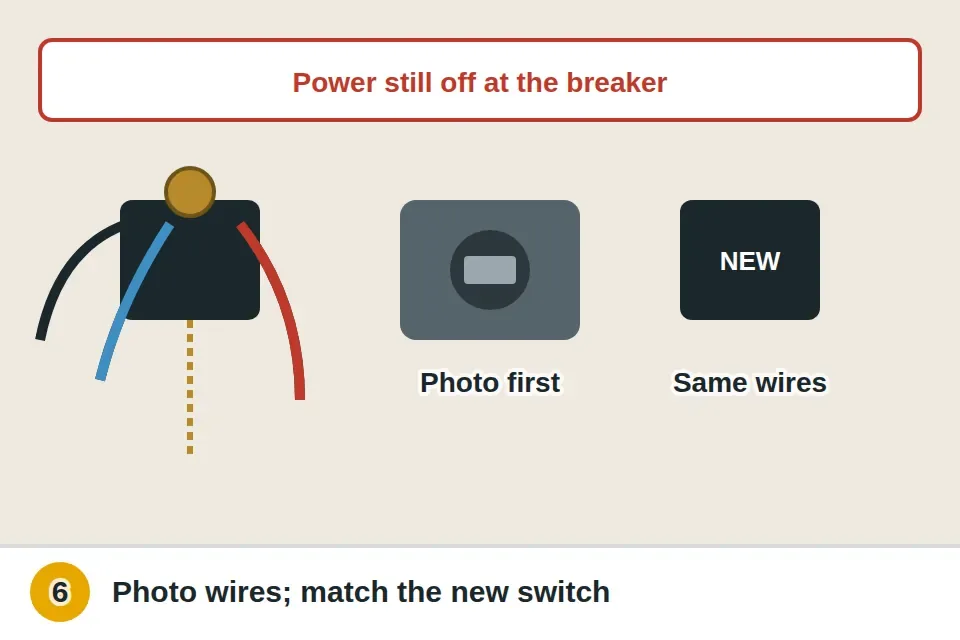
- Replace the pull chain switchWith the power still off, note or photograph which wires go to which terminals on the old switch. Unscrew the ring nut holding the switch in the housing, disconnect the wires, and connect a replacement with the same number of wires and positions. Fit it back into the housing, reinstall the chain, and restore power to test.
- Replace the light kitIf bulbs, controls and connections are all good, the light kit, its limiter, or the receiver may have failed. Many fan makers sell replacement light kits for their models, and universal kits fit many fans. Match the connection type, turn the power off at the breaker, and follow the kit's instructions. If the fan also behaves oddly with the remote, the receiver in the canopy may be the problem.

Watch it done
- The light comes on from the chain, switch and remote
- It stays on
- The fan still runs normally
If the light still won't work
If the fan motor won't run either, there's a separate guide for a ceiling fan not working.
If the light works but the fan shakes, we have a guide for a wobbly ceiling fan.
What a pro typically charges (a rough estimate; prices vary by area): An electrician typically charges $100–$200 for a service call, $125–$250 to replace a pull chain switch or receiver, and $150–$300 to install a replacement light kit, plus parts.
Find an electrician near youSomething else going on?
Ceiling fan light questions
Why does my ceiling fan work but not the light?
Check the bulbs, the light's pull chain and the remote first. A tripped wattage limiter or loose light kit connector is next.
What is a wattage limiter in a ceiling fan?
A device that cuts power to the lights if the bulbs draw more than the allowed watts, often around 190.
Can I put LED bulbs in a ceiling fan?
Yes. They draw far less power, stay under the limit and handle vibration well.
How do I reset a ceiling fan remote?
Usually by turning power off and back on and pressing a button within a short window; check your manual.