Doorbell not working
When a wired doorbell stops ringing, check the button first: it's out in the weather, it wears out, and it's easy to test. The chime and the transformer, a small box that lowers household power to a low voltage, are the other two parts. Wireless and video doorbells usually come down to batteries, pairing or a chime setting.

How a wired doorbell works
A wired doorbell has three parts: the button outside, the chime inside, and a transformer, often mounted near the electrical panel, the furnace or the chime, that supplies low-voltage power. Pressing the button closes the circuit and the chime rings.
The button and chime wiring carries low voltage and is generally low risk to work on. The transformer connects to household power, so turn off its breaker before touching its cover or household-voltage wires.
Why doorbells stop working
Weather and use wear out the contacts.
At the button or the chime.
No power reaches the circuit.
Dead batteries or lost pairing.
| Test | Result | What it means |
|---|---|---|
| Jump the button's wires | The chime rings | Replace the button. |
| Jump the button's wires | Nothing | Check the chime and transformer. |
| Press the button | Chime hums, no ding | A stuck plunger or button. |
| Wireless doorbell is dead | No response | Batteries or pairing. |
Let's fix it
- Check the buttonUnscrew the button from the wall and ease it out. Check that both wires are attached to its screws and aren't corroded or broken.

- Jump the buttonTouch the two button wires together, or bridge the two screws with a short insulated wire. If the chime rings, the button is bad; replace it.

- Check the chimeTake the chime cover off and look for loose wires on its terminals, and for dust or debris around the plungers that strike the bars. Clean it gently.
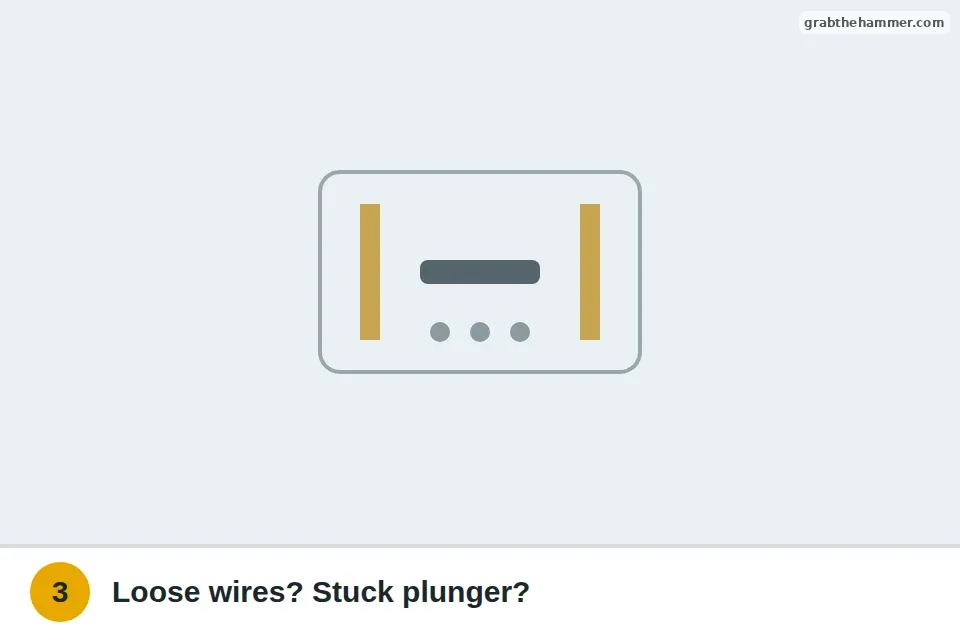
- Check the transformerFind the transformer and make sure its breaker is on. With a multimeter set to AC volts, you can test the two low-voltage screws; the label lists the voltage it should put out. Keep the meter probes on the low-voltage screws only.

- Wireless and video doorbellsReplace or recharge the batteries, check the app or the chime for pairing, and make sure the chime is set to ring. Follow the maker's reset steps. Wired video doorbells often need a stronger transformer or a power kit at the chime; check the maker's requirements.
If it still won't ring
If jumping the button does nothing, check the chime and the transformer. With the breaker on, the transformer's low-voltage side should read close to its rated voltage; if it reads nothing, it has likely failed.
If the chime hums but doesn't ring, a plunger may be stuck, or the button may be stuck pressed in. Clean the chime or replace the button.
What a pro typically charges (a rough estimate; prices vary by area): An electrician typically charges $100–$250 to repair a doorbell or replace its transformer.
If it's a different electrical problem
Doorbell questions
Is it safe to work on a doorbell?
The button and chime wires carry low voltage and are generally low risk. The transformer connects to household power, so turn its breaker off before working there.
Where is the doorbell transformer?
Often on or near the electrical panel, the furnace, or in a closet or attic near the chime. It's a small box with thin wires coming off it.
Why does my doorbell hum or ring on its own?
A stuck button, water in the button, or a short in the wiring can make it hum or ring.
Can I replace a doorbell button myself?
Yes. Unscrew the old one, move the two wires to the new button's screws, and mount it.
Still stuck? Ask us
Tell us what you're seeing and what you've tried. We read every question, and the ones that will help other people get answered on this page.